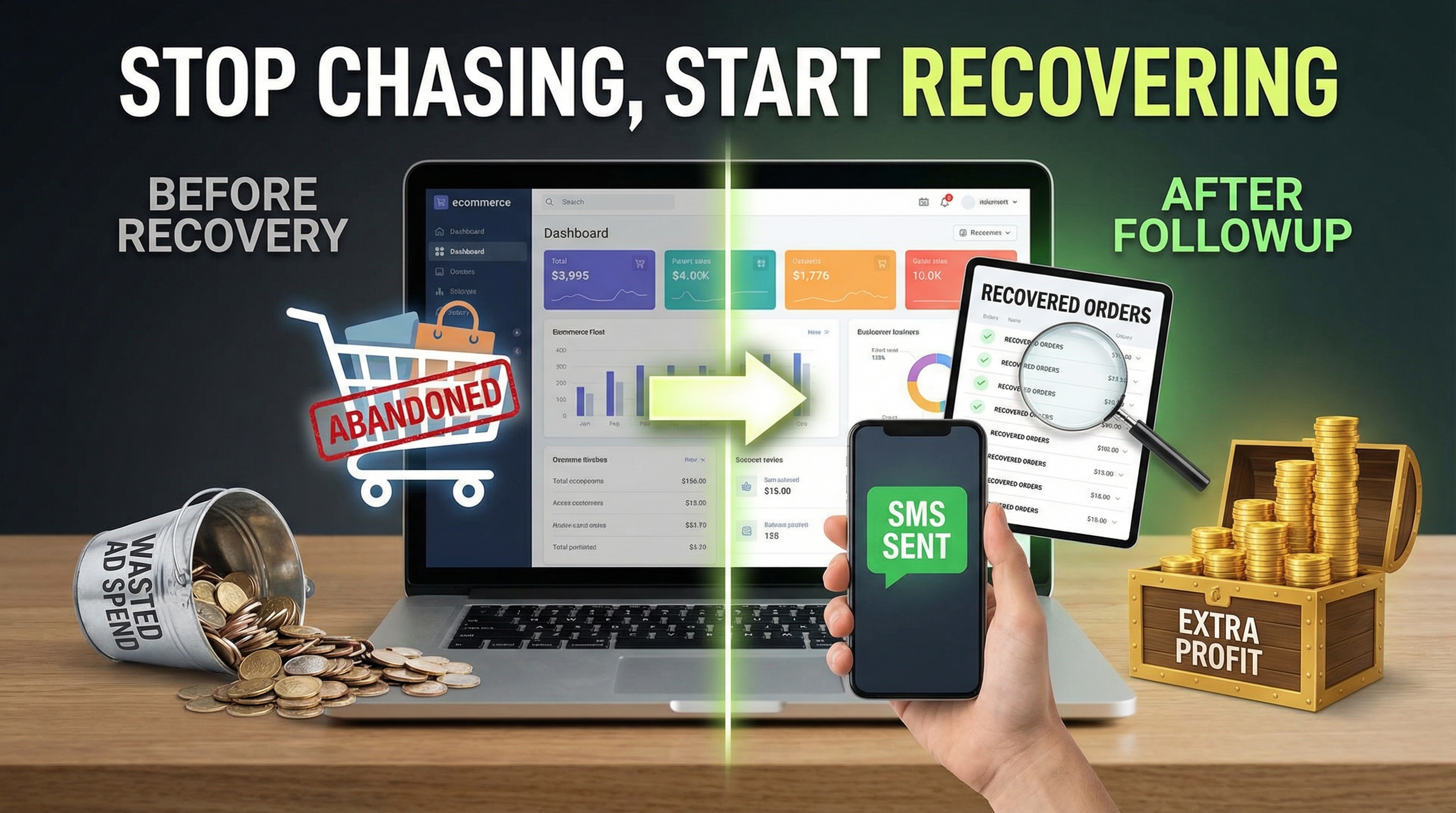
How to Set Up SMS Recovery Without Being a Tech Whiz
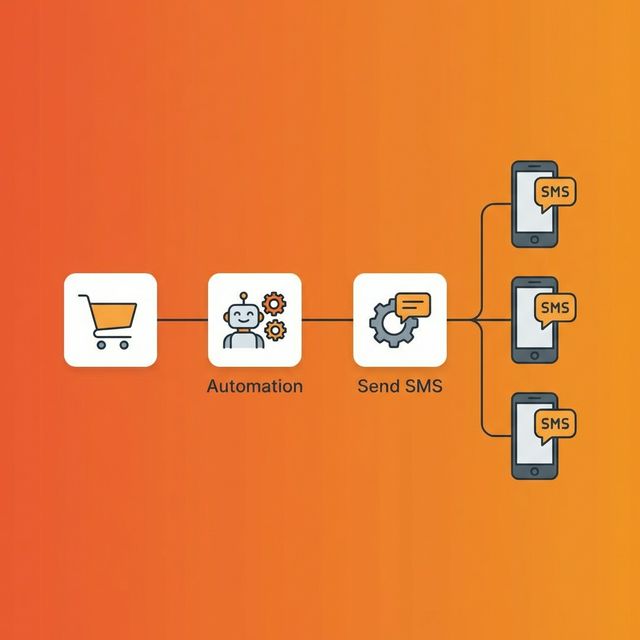
Setting up automation sounds scary, but it's actually the most 'set it and forget it' thing you can do for your business.
How to Set Up SMS Recovery Without Being a Tech Whiz
I'll be honest with you: if you're trying to recover carts by manually texting every single person, you're losing a battle you can't win. You have to sleep. Your customers don't. They shop at 2 AM, they shop while you're out on delivery, and they definitely shop while you're busy in meetings.
Setting up automation sounds scary, but it's actually the most "set it and forget it" thing you can do for your business. Here's exactly how I set it up for my own stores.
Step 1: The "Secret" Code
Every automation tool gives you a snippet of code. Don't panic. It's just one line. You don't need to be a developer. If you can copy and paste a Facebook Pixel or a Google Analytics tag, you can do this.
You just drop it into the <head> of your site. Whether you use Shopify, WooCommerce, or a custom PHP site, the process is the same. It's a 5-second job.
Step 2: Finding the Fields
Here's where it gets clever. The system needs to know where the customer is typing their name and phone number. Most of the time, the tool finds them automatically. But if your checkout is custom, you just point to them once in the dashboard. It's like telling the system, "Hey, look here for the name, and look here for the number."
Step 3: Writing the Message (The Fun Part)
This is where people usually mess up. They write messages that sound like they were written by a bank.
*"PLEASE COMPLETE YOUR ORDER #1234"* — Boring.
Instead, ask yourself: what would I say if I was talking to this person in real life?
Try something like: *"Hey {name}, your cart is still here! Tucked it away for you. Want it?"*
It's friendly, it's short, and it works.
Step 4: Timing is Everything
I've tested this a lot. The best window is 5 minutes.
- 1st message: 5 minutes in. (Friendly nudge)
- 2nd message: 1 hour later. (The "just checking in" text)
- 3rd message: 24 hours later. (The "final chance + discount")
Step 5: Just Watch it Work
Once it's live, stop touching it. Go back to your dashboard in three days. You'll see exactly how many people got the text, how many clicked the link, and most importantly—how much money you made back.
Automating this was the single biggest "ROI" move I ever made. No more missed opportunities.
Next step
Turn the playbook into an automated recovery flow
FollowUp captures incomplete checkouts and sends SMS or WhatsApp follow-ups while the order is still warm.